


What you bring
Ask Lingo to arrange a workshop planning conversation with Alex on Thursday at 3 PM at Garden Studio. Specify the timezone and the people involved.
 Lingo Chats
A relationship becomes real when you make time for it. Talk through a meeting with Lingo, find a place in your schedule and keep the details together as plans change.
Start with Lingo ↗See a worked example ↓
The conversation is promising. Then the details scatter across messages and someone’s memory. Bring the meeting into your schedule, with the right time, location and people, and keep the plan clear when something changes.
Ask Lingo to arrange a workshop planning conversation with Alex on Thursday at 3 PM at Garden Studio. Specify the timezone and the people involved.
The agenda can show the meeting alongside the reminder to send the outline beforehand. With Google Calendar connected, supported events and invitations use that connection.
Change the time, location or guest list as needed. For an ambiguous event, clarify which meeting you mean before changing it.
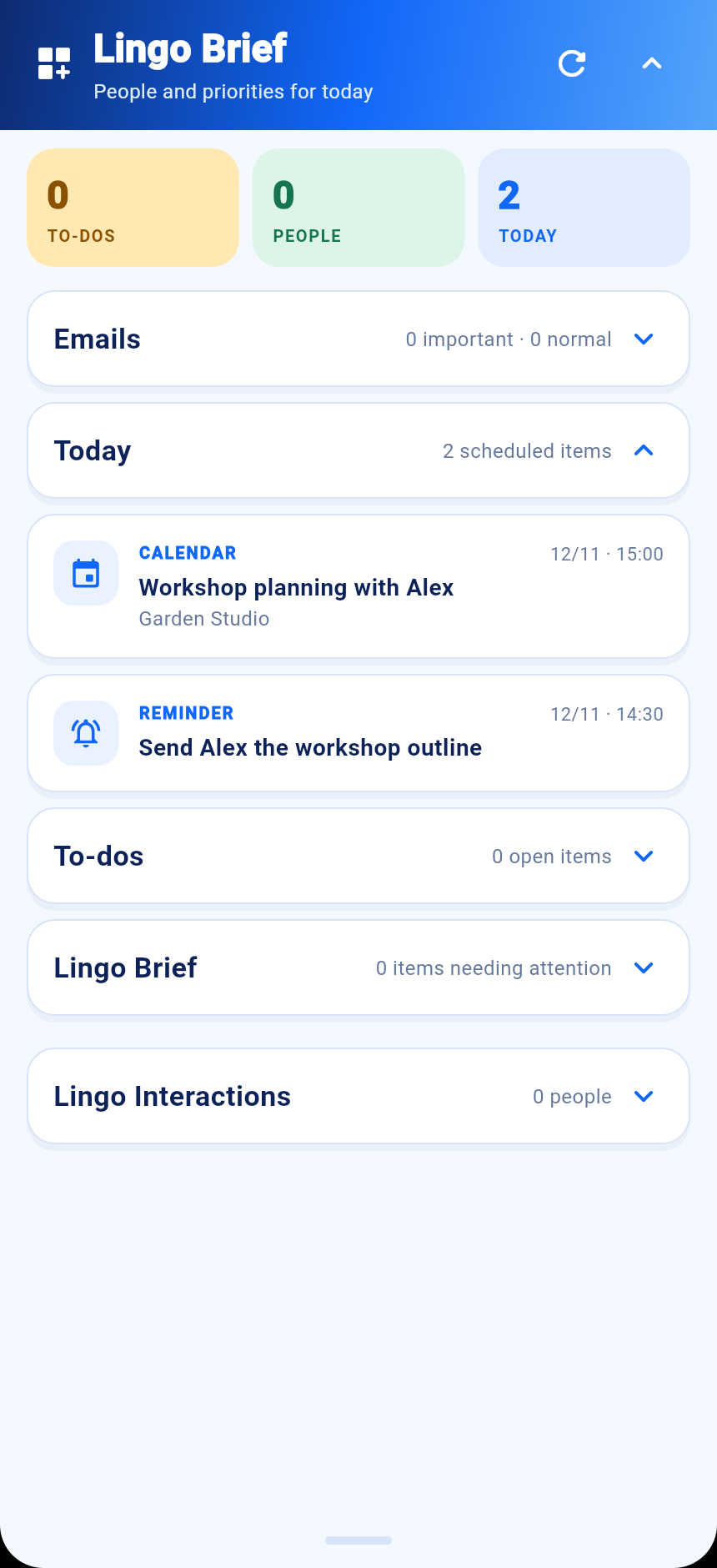
When a flyer contains an event you might attend, share the image. Lingo can propose the event once the details are clear and ask whether you want it added. The next step stays yours.
People arranging client meetings · Community organizers · Anyone balancing several calendars
✓Find and review scheduled events
✓Create a meeting with timezone details
✓Change the time or location
✓Update the guest list
✓Propose an event from a photographed flyer
Connect Google Calendar for Google events and invitations. Without it, Lingo can save plans in its local schedule.
Use the service from your Lingo account. For account access and any plan conditions, use the options shown in the app.
Open Lingo ↗Alex can help find the workshop venue. Send the outline before Thursday’s conversation.
Alex Morgan / Garden StudioThe fictional examples keep the person, the reason to reconnect and the commitment together. The app view shows a corresponding stage using its real interface.
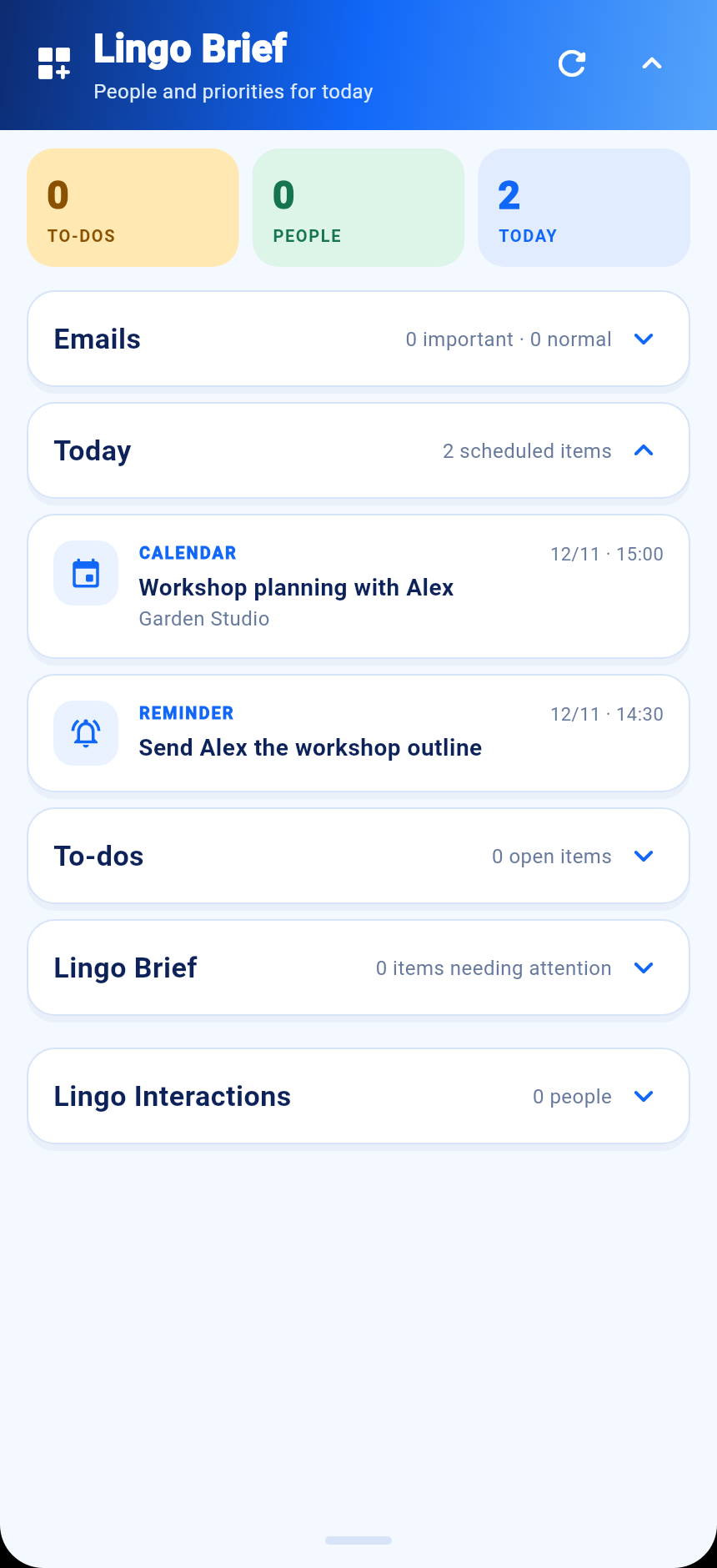
A flyer can create an attendance proposal. You choose whether to add the event after the details are clear.
Connect Google Calendar for Google events and invitations. Without it, Lingo can save plans in its local schedule.
No. The interface examples use fictional sample data. Generated photographs are illustrative. The downloadable samples are provided so you can inspect the format and result.
Start with one person, one promise or one thing you want to move forward.